
Getting Better Photos For Your Business
You do great work. We know it, our past customers know it, but if the only evidence of that work is a blurry, dark, slightly-tilted photo taken from 15 feet away? Potential future customers won’t.
Customers who have never met you are making decisions about whether to call you based on what they see online. Your photos and videos are often the first impression you make, and a bad one doesn't just fail to impress, it actively makes people question whether you're the right fit. Here's the thing though: the difference between a bad phone photo and a good one is almost never the phone. It's a handful of small habits that most people just don't know about.
So let's fix that.
The Basics
Clean Your Lens First
Your phone lives in your pocket all day. On a job site, that means grease, dust, and general life are constantly smearing up the lens. Even a faint smudge softens every photo you take, and most people have no idea it's happening.
Quick fix: a little spit on the lens, wiped in a circular motion on a clean part of your shirt. Takes three seconds and makes a noticeable difference. Do it before any important shoot.
Match Your Orientation to the Shot
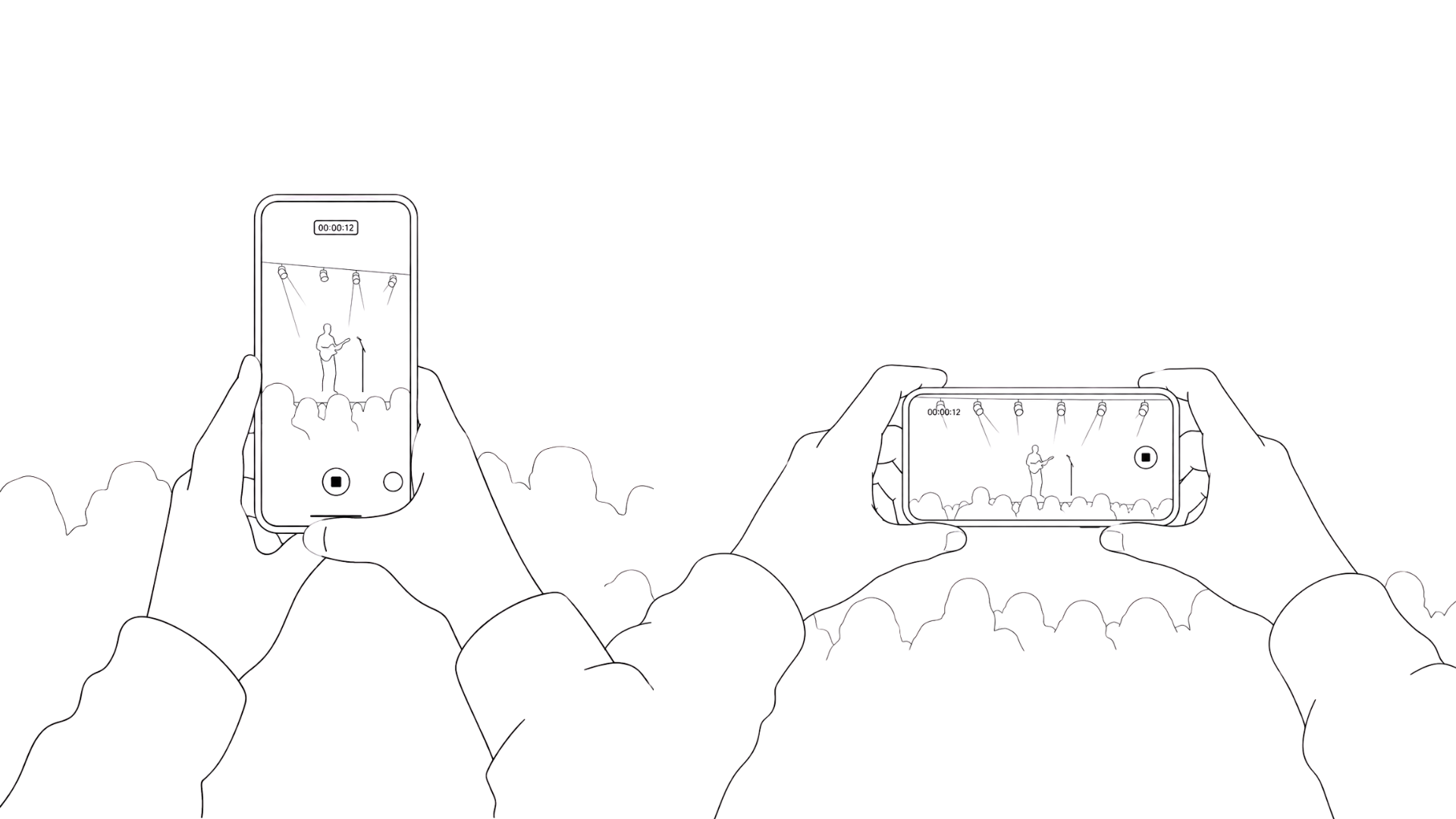
Vertical for tall things.
Horizontal for wide things.
That's it.
A fence, a vent stack, a tall tree you just trimmed: shoot vertical. A full room, a long driveway, a finished lawn: shoot horizontal. Not sure which? Do both. It takes ten extra seconds and gives you options later.
Keep the Light Behind You
This single mistake is responsible for more dark, muddy, washed-out photos than almost anything else.
If the sun or a bright window is in front of you when you shoot, your camera freaks out and the subject ends up underexposed. The fix is simple:
position yourself so the light is falling onto whatever you're shooting,
not into your lens. Inside with a big window? Stand with your back to it.
Walk Closer Instead of Zooming
When something looks too small in frame, every instinct says to pinch the screen and zoom in. Resist it. Phone cameras use digital zoom, which just crops and enlarges the image. Quality drops noticeably. The move is to take two steps forward instead. Your feet are free and they work great.
For Video: Record Long, Follow One Thing
Two rules for video that will save you a lot of headaches:
First, record longer than you think you need to. Trimming ten seconds off a clip is easy. Stitching three short, choppy clips together into something that flows is a nightmare.
Second, follow one thing at a time. Pick a subject (the worker, the equipment, the finished surface) and stay with it. If you want to capture multiple things, stop and start a new clip. Panning back and forth between two things in the same shot looks amateur and makes editing painful.
Stepping It Up
Stop Texting Your Photos
This one quietly ruins a lot of otherwise good content.
When you text photos (especially between Android and iPhone) the files get compressed automatically. Your phone captures a sharp, high-res image, and by the time it arrives somewhere else, it looks like it was shot in 2008. Blurry. Pixelated. Not what you took.
Use
Google Drive instead. If you're not uploading them directly to social media: upload photos and videos directly from your phone and the files stay at full original quality. Share a folder link with anyone no compression, no quality loss. It also backs everything up automatically, so you can delete photos off your phone to free up space without losing them. One folder per job and you're organized without trying.
Shoot a Before and After on Every Job, From the Exact Same Spot
Before-and-after content is the highest-performing stuff most trade businesses never bother to collect. And it costs nothing but thirty seconds of setup.
Here's the trick to making it extra useful: grab an inexpensive phone tripod ($15-25 on Amazon), set it up before the job starts, shoot your before, and then leave it exactly there until the work is done. Same angle, same height, same framing.
That consistency is what turns two ordinary photos into a clean before/after slider for your website or a polished split-screen for social media. If the shots are from different angles with a shaky hand, your marketing team has to guess and it never looks quite right. Lock it down. Get the before. Don't move it. Get the after. Done.
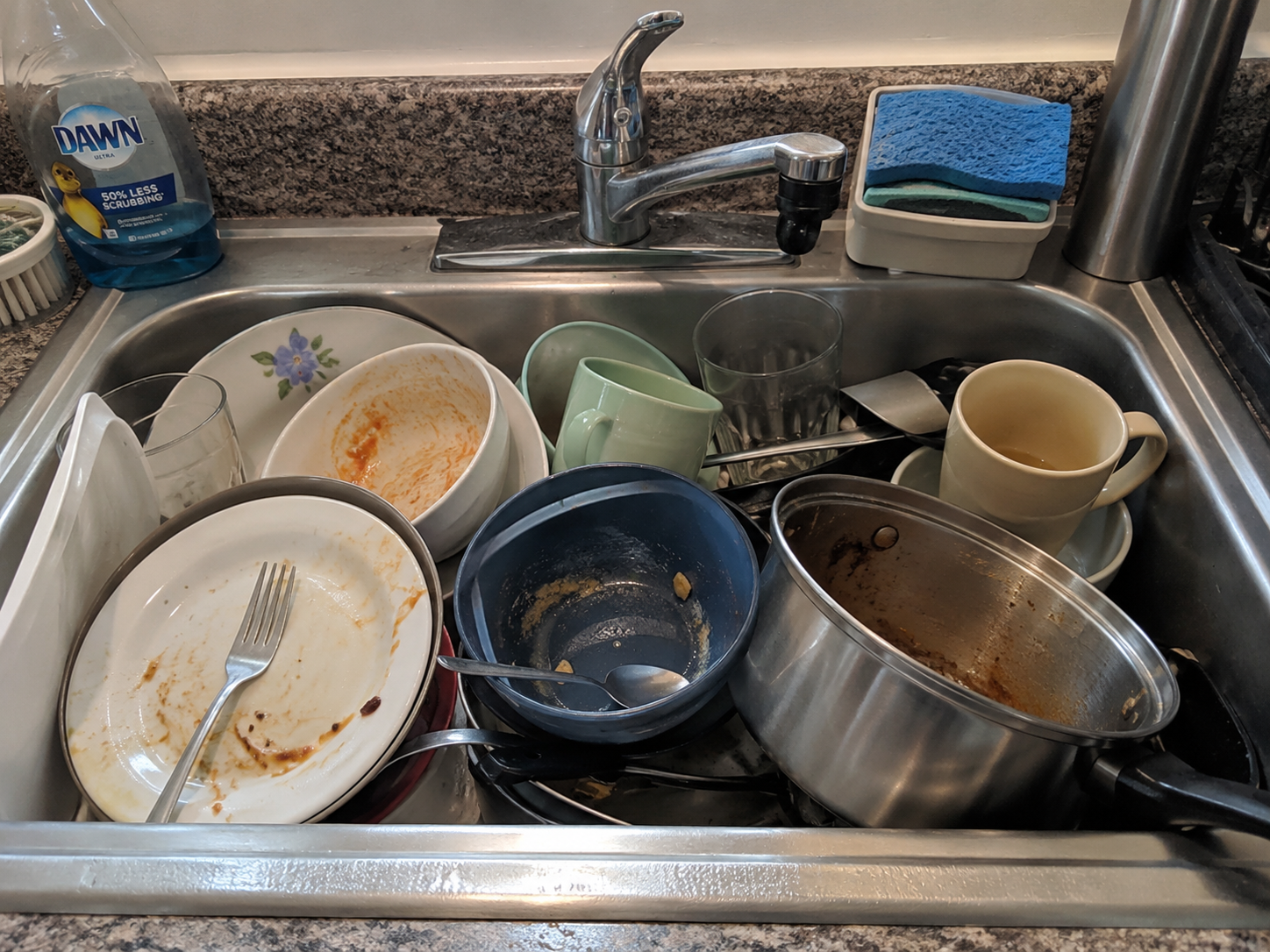
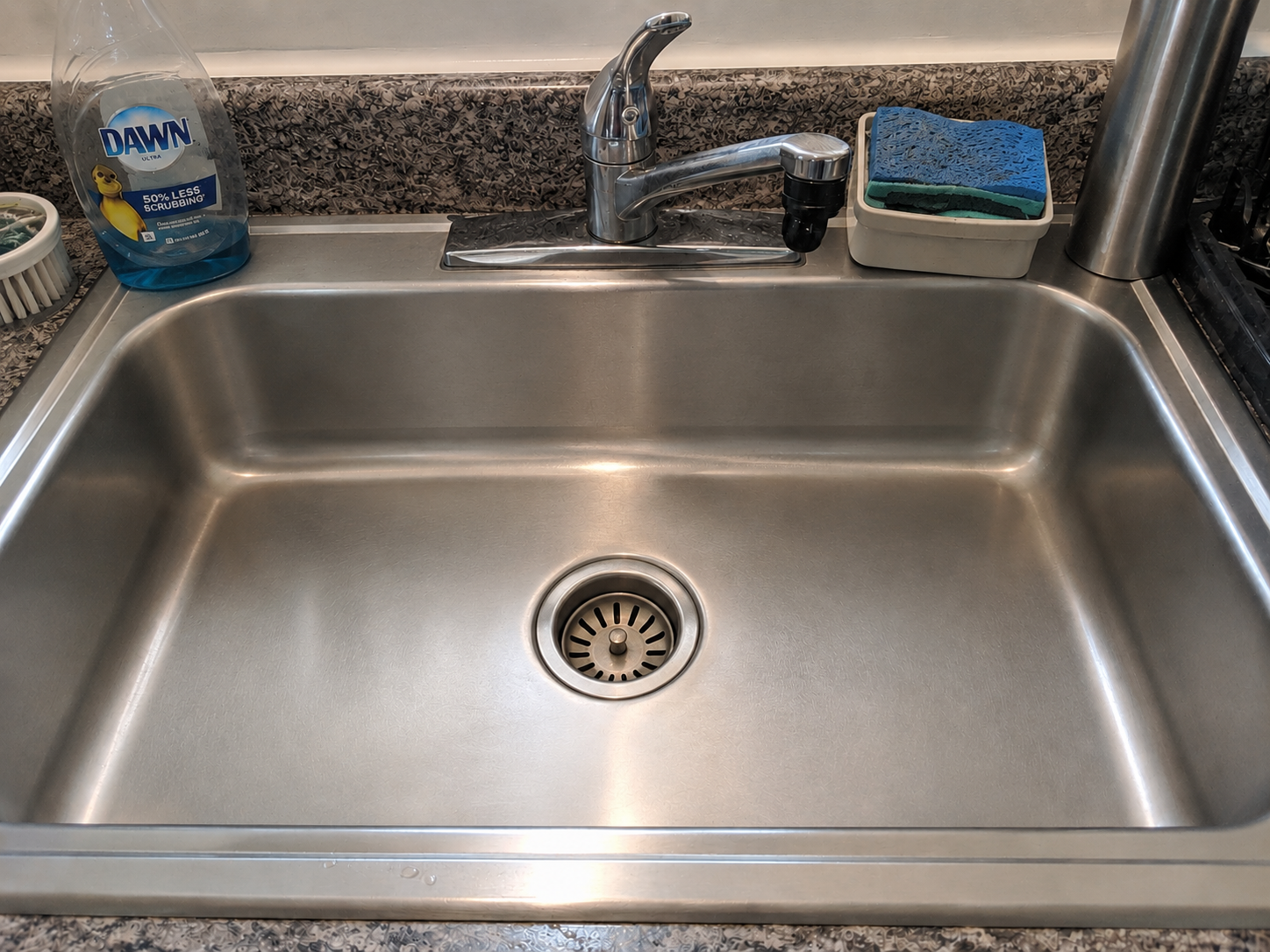
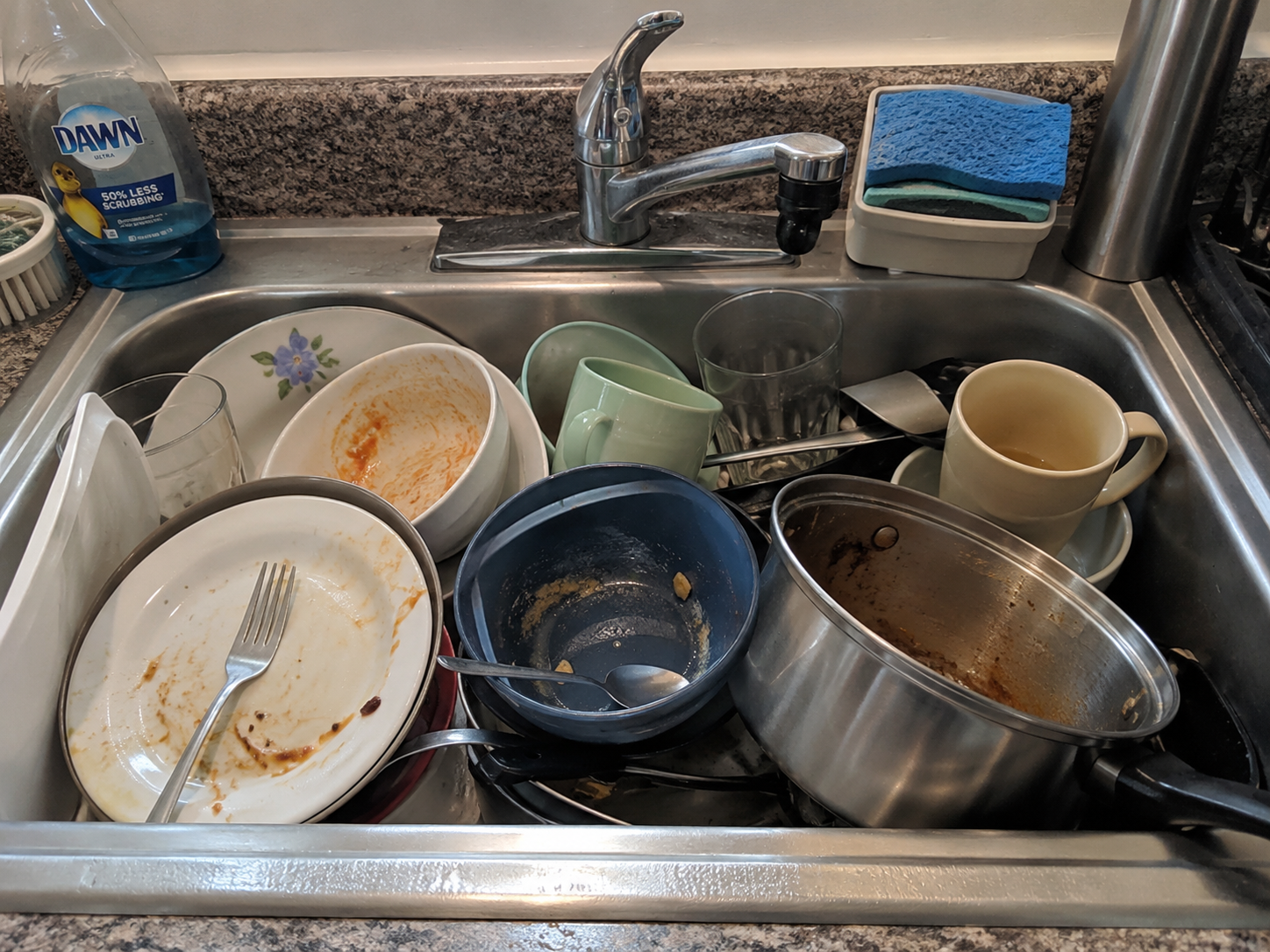
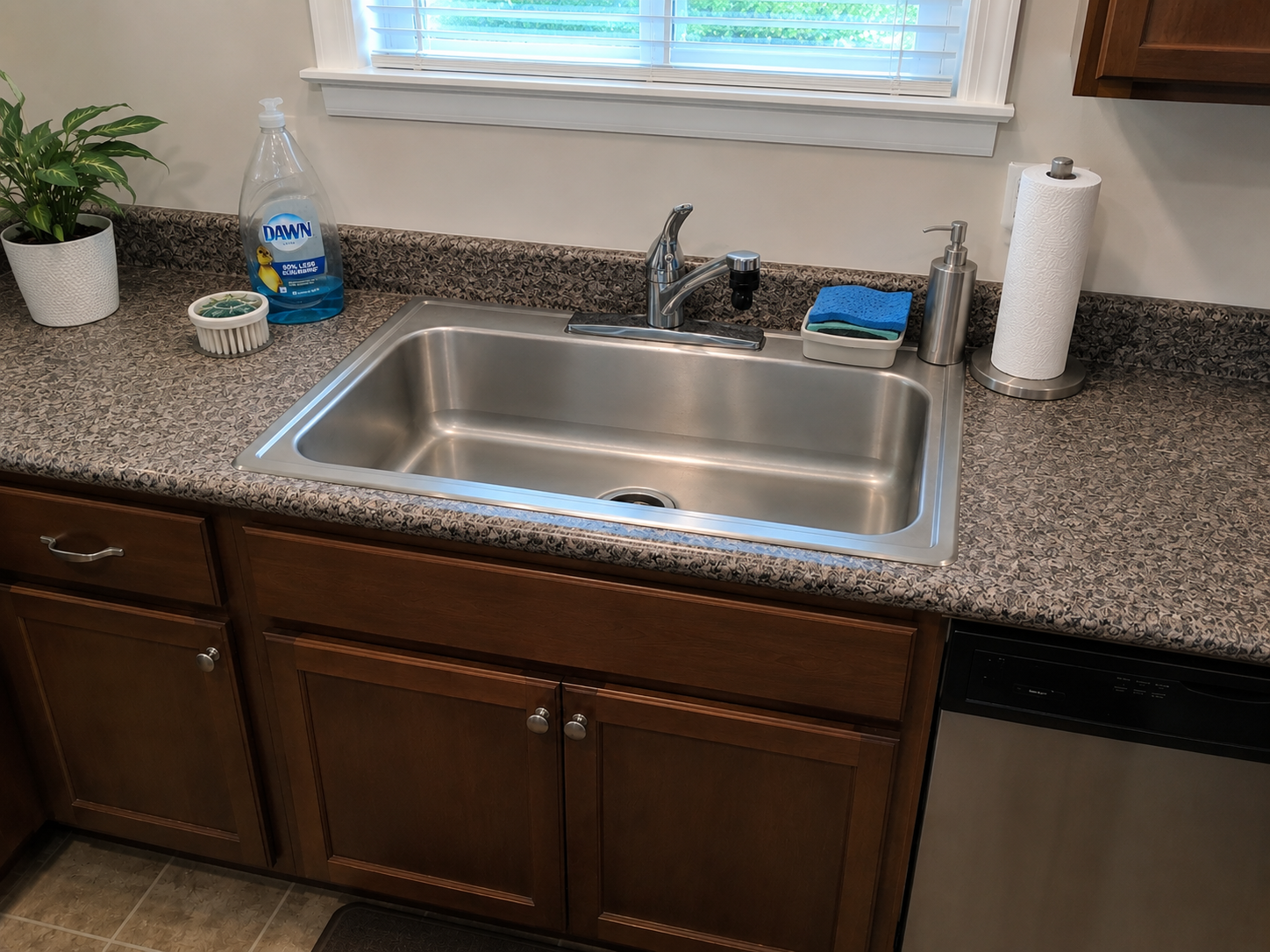
Which One is more satisfying?
Expert Mode For Business Video
Get a Gimbal for Smooth Video
If you're shooting any video at all (walkthroughs, job tours, before/after reveals) a phone gimbal is the best upgrade you can make for the money.
A gimbal is a small handheld stabilizer that keeps your phone level and smooth while you move. The difference between handheld and gimbal video is immediately obvious: one looks like a nature documentary about Bigfoot, the other looks like you hired someone. They run about
$100 on Amazon, fold up small enough to live in your truck, and the learning curve is about five minutes. Not every job needs one. But for a finished project you're proud of, it's the kind of content that stops someone mid-scroll.
If You're Talking on Camera, Get a Lavalier Mic
People will forgive a lot in a phone video. Shaky footage? Fine. Imperfect lighting? Sure. Bad audio? Nope.
If you're recording yourself talking (a service explanation, a walkthrough, an intro video) the built-in phone mic picks up everything: wind, traffic, equipment noise, echo. It sounds like a voicemail from 2003. A clip-on lavalier mic ($20-35 on Amazon) plugs directly into your phone and captures your voice cleanly from a few inches away, cutting out most of the background noise. People will think you hired someone to film it.
Remember: audio is half of video. A sharp image with muddy sound still looks unprofessional.
If you're not sure what to buy,
here's our recommendation!
Mute It If You Don't Need the Audio
On the flip side, if nobody's talking in your video, mute it before you post it.
A job site walkthrough with a roaring pressure washer. An HVAC unit running full blast. Nobody wants that blasting out of their phone speakers while they're scrolling in bed. Loud, jarring autoplay audio is one of the fastest ways to get someone to close your website or scroll past your post.
If the sound doesn't add anything, strip it. Most phones let you mute before sharing, and apps like CapCut, iMovie, or Google Photos make it a two-tap job. Throw some background music on if you want something there. Even that's better than machinery noise.
None of this requires expensive equipment, a photography degree, or a ton of extra time on the job.
The difference between content that generates calls and content that gets ignored comes down to a clean lens, a few basic habits, and getting your files off your phone without destroying them in the process.
Pick one tip from this list. Use it on your next job. That's the whole ask.
You're already doing the work. You might as well show it off properly.
Want help turning your content into a marketing strategy that drives leads? That's kind of our thing.
Let's talk.
Illuminate Blog